Patreon pioneered the modern creator membership model, but its one-size-fits-all approach no longer serves everyone. Rising platform fees, frustrating content policies, feature limitations, and a simple desire for greater brand control are prompting creators to seek better options. The good news is the ecosystem of creator monetization platforms has expanded significantly, offering specialized tools for different needs.
This guide dives deep into 12 powerful websites similar to Patreon, moving beyond basic feature lists to provide a strategic analysis of each. We'll help you find the perfect fit for your audience, content type, and business goals, whether you're a podcaster, developer, writer, or artist. For creators exploring alternative monetization strategies, this comprehensive guide reviews the Top 12 Sites Similar to Patreon for Creators and helps you understand the broader landscape.
Inside, you will find a detailed breakdown for each alternative, including:
- Core Features & Pricing: A clear look at what each platform offers and how much it costs.
- Ideal Creator Fit: Who stands to benefit most from using the platform.
- Pros & Cons: An honest assessment of strengths and limitations based on real-world use.
- Migration & Integration: Practical advice on switching platforms and connecting with your existing tools.
We've included screenshots and direct links for every platform to make your evaluation easier. Let's analyze the top contenders to see which one best aligns with your creative vision and financial independence.
1. Ko-fi
Ko-fi distinguishes itself as one of the simplest and most approachable websites similar to Patreon, focusing on a "buy me a coffee" tipping culture. It's an excellent starting point for creators who feel overwhelmed by complex membership platforms and want to establish a direct-support model with minimal friction for their audience. The platform combines one-off tips, recurring memberships, a simple e-commerce shop, and a commission-request system all under one roof.
This integrated approach makes Ko-fi a lightweight but powerful creator storefront. An artist, for example, can receive a spontaneous $3 tip, sell a pack of digital brushes from their shop, and manage a queue of paid art commissions without ever leaving the site. The platform's appeal lies in its straightforwardness, making it easy for supporters to contribute quickly via PayPal or Stripe.
Pricing & Key Features
Ko-fi’s pricing is one of its most attractive aspects. The free plan allows you to receive donations and sell commissions with 0% platform fees, though standard PayPal/Stripe transaction fees still apply. For access to memberships, a shop, and more advanced features, you can upgrade to Ko-fi Gold.
| Feature | Ko-fi Free | Ko-fi Gold (Paid) |
|---|---|---|
| Platform Fee | 0% on donations & commissions | 5% fee on memberships & shop sales |
| Memberships | No | Yes, with recurring payments and supporter-only content |
| Shop | No | Yes, for digital and physical products |
| Direct Donations | Yes | Yes |
| Commissions | Yes | Yes, with enhanced management |
| Page Analytics | Basic | Advanced |
| Customization | Limited | Change username, remove Ko-fi branding |
Pros & Cons
- Pro: Extremely Low Barrier to Entry. You can set up a functional tip jar in minutes, making it ideal for those new to creator monetization.
- Pro: All-in-One Functionality. Combining tips, memberships, a shop, and commissions into a single dashboard is a significant advantage over juggling multiple services.
- Con: Limited Discovery Features. Unlike larger platforms, Ko-fi has minimal internal discovery mechanisms, meaning you are almost entirely responsible for driving your own traffic. After setting up, you'll need a solid plan to promote your new creator page.
- Con: Basic Membership Management. Some membership changes, particularly for subscribers using PayPal, can be clumsy and may require supporters to cancel and resubscribe to see updates like price changes.
Learn more about how to effectively promote your projects to drive traffic directly to platforms like Ko-fi.
Website: https://ko-fi.com
2. Buy Me a Coffee
Buy Me a Coffee (BMAC) is another popular entry in the list of websites similar to Patreon, built on the simple, friendly concept of receiving small, one-time tips. It offers a low-friction way for creators to test paid communities or accept casual support from their audience without the commitment of a full-scale membership platform. The platform is designed for speed and simplicity, both for the creator setting up a page and for the supporter who wants to contribute.
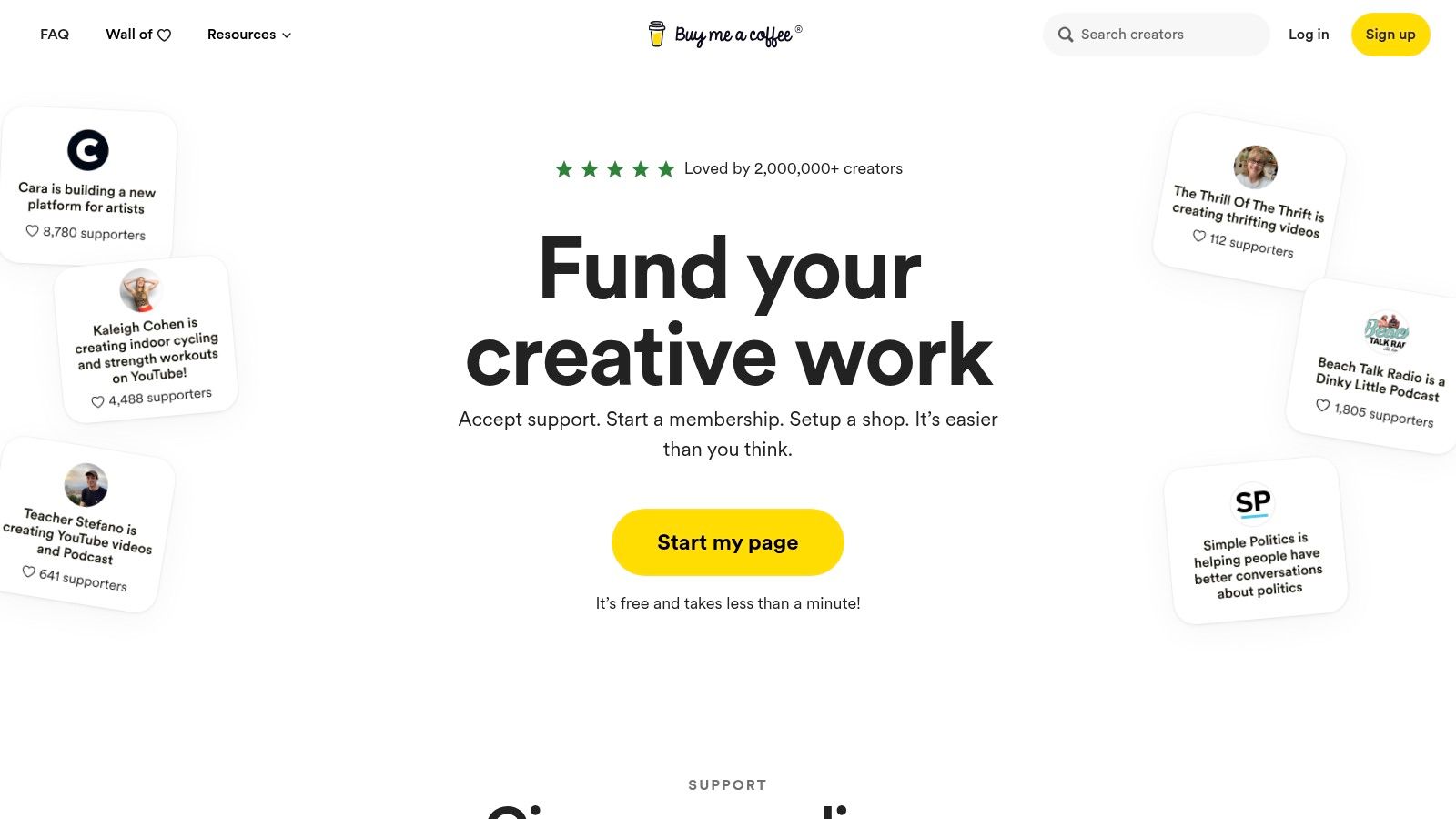
Beyond simple tipping, BMAC supports recurring memberships and a unique feature called "Extras." These are one-off, à-la-carte items you can sell to your supporters, such as a 1-on-1 video call, a commissioned piece of art, or an exclusive digital download. This flexibility allows creators to blend the casual tipping model with more direct, product-based monetization, all from a single, easy-to-manage dashboard with direct Stripe payouts.
Pricing & Key Features
Buy Me a Coffee’s main draw is its straightforward pricing model. There are no monthly subscription fees to use its core features; instead, the platform takes a flat percentage from the money you earn. This makes it an accessible option for creators who are just starting out and may not have a consistent income yet.
| Feature | Buy Me a Coffee (Standard) |
|---|---|
| Platform Fee | 5% transaction fee on all payments (tips, memberships, Extras) |
| Memberships | Yes, with recurring payments and member-only content |
| Shop | Yes, via the "Extras" feature for one-off sales |
| Direct Donations | Yes, as one-time "coffees" |
| Payouts | Direct via Stripe |
| Customization | Basic page branding and color options |
| Monthly Cost | $0 |
Pros & Cons
- Pro: No Monthly Platform Subscription. You only pay a fee when you get paid, making it a risk-free choice for creators with fluctuating or low initial income.
- Pro: "Extras" Feature Adds Flexibility. The ability to sell one-off services or digital products alongside tips and memberships is a powerful way to diversify revenue streams.
- Con: Limited Customization and Automation. Compared to more robust all-in-one platforms, BMAC offers fewer options for page design, community management, and marketing automation.
- Con: Payout Availability Varies. Because it relies on Stripe, payout availability is tied to Stripe's supported countries. Global creators should verify their country is supported before committing to the platform.
Website: https://www.buymeacoffee.com
3. Gumroad
Gumroad excels as a merchant-of-record storefront designed for creators selling digital products, making it a powerful choice among websites similar to Patreon. It allows you to offer one-time purchases like ebooks and software alongside recurring memberships, all from a single, simple interface. The platform's main advantage is that it handles complex global sales tax and VAT, freeing creators to focus on making things rather than managing billing logistics.
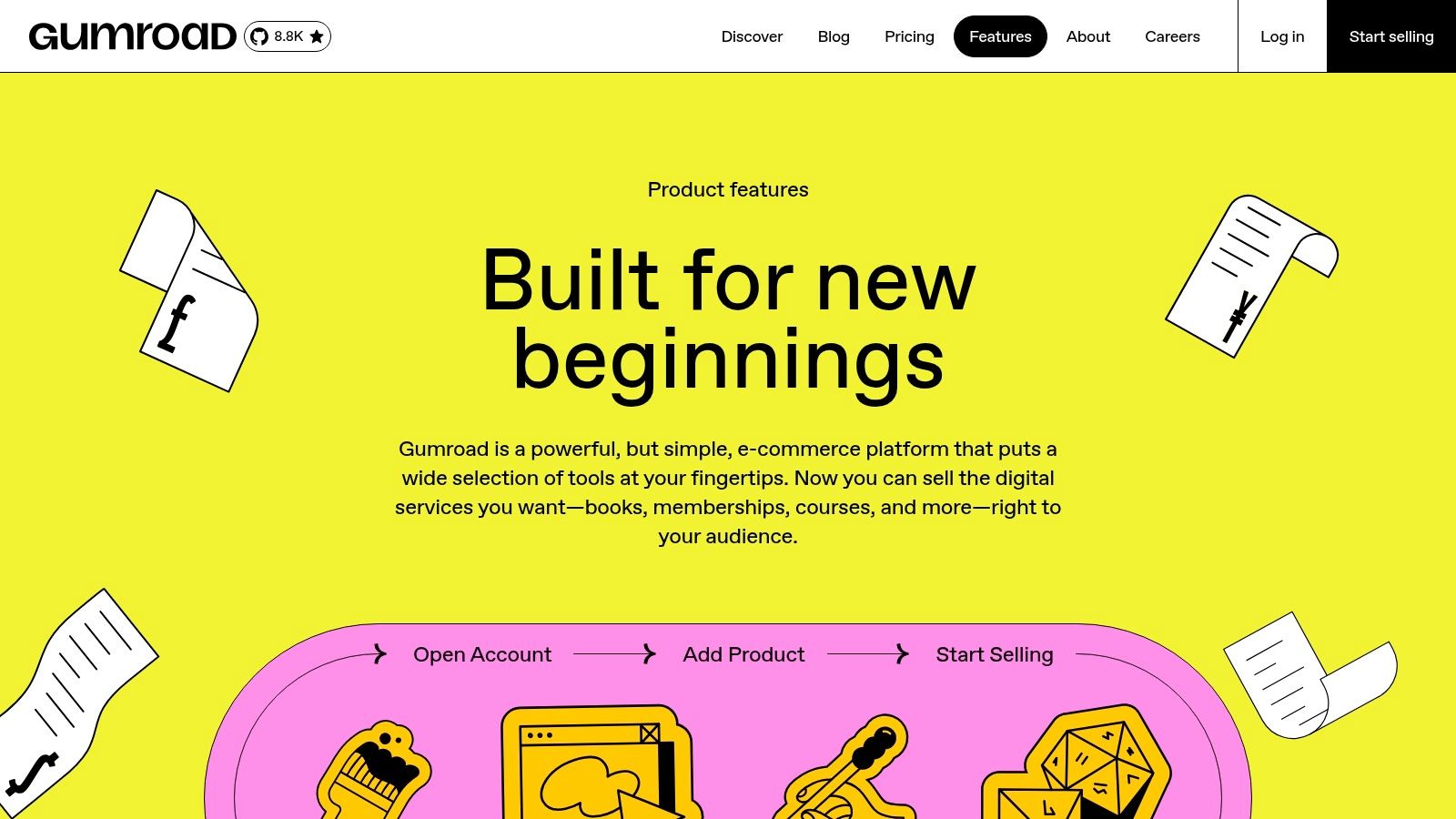
This model makes Gumroad perfect for makers who want to bundle memberships with digital SKUs. For example, a software developer could sell lifetime licenses, offer a monthly subscription for updates, and give away a free PDF guide, all managed through one platform. Its embeddable checkout buttons and simple landing pages also make it easy to sell directly from your own website.
Pricing & Key Features
Gumroad's pricing is a flat 10% fee on all sales until you reach certain lifetime earnings milestones, at which point the fee decreases. This fee includes payment processing and covers their merchant-of-record services. There are no monthly charges, so you only pay when you make a sale. For a detailed comparison of Gumroad with another platform, consider this guide on Gumroad Vs Teachable.
| Feature | Gumroad |
|---|---|
| Platform Fee | 10% flat fee (decreases with lifetime earnings) |
| Memberships | Yes, with recurring payments |
| One-Time Products | Yes, for digital downloads, courses, and physical goods |
| Merchant of Record | Yes, handles VAT/sales tax for you in most regions |
| Discovery Feature | Yes, a "Discover" marketplace can drive organic traffic |
| Checkout/Landing Page | Simple, embeddable checkout and basic product pages |
| Affiliate Program | Yes, built-in system to let others sell your products for a commission |
Pros & Cons
- Pro: Simplifies Taxes. The merchant-of-record model is a huge benefit, removing the headache of calculating and remitting sales tax/VAT worldwide.
- Pro: Extremely Fast to Launch. You can go from signing up to selling your first digital product in under an hour with minimal technical setup.
- Con: High Transaction Fee at Scale. The flat 10% fee is straightforward but can become costly for creators with high sales volumes compared to other platforms.
- Con: Limited Community Features. While you can post updates for members, it lacks the deeper community-building tools found in dedicated platforms.
Discover how other indie founders launch successful products that you can sell on platforms like Gumroad.
Website: https://gumroad.com/features?utm_source=openai
4. Substack
Substack positions itself as a newsletter-first publishing platform, making it one of the most compelling websites similar to Patreon for writers, journalists, and podcasters. It provides a dead-simple workflow for creating content and building an audience through paid subscriptions. The platform's strength lies in its integrated system that combines a content management system (CMS), email delivery, payment processing, and even podcast and video hosting.
Unlike many alternatives that require creators to bring their own audience, Substack has a powerful recommendation network built in. This "network effect" means your publication can be discovered by readers of other, similar Substacks, offering a significant organic growth advantage. For creators focused purely on delivering premium content through text, audio, or video, Substack removes nearly all technical barriers.
Pricing & Key Features
Substack’s model is straightforward: it's free to publish, but the platform takes a cut of your paid subscription revenue. This makes it accessible to start, with costs scaling only as you successfully monetize your audience.
| Feature | Substack (All Tiers) |
|---|---|
| Platform Fee | 10% on paid subscriptions + Stripe processing fees |
| Memberships | Yes, via paid newsletter subscriptions (monthly/annual) with free tiers |
| Shop | No |
| Direct Donations | No (focused on recurring subscriptions) |
| Content Hosting | Yes, for posts, podcasts, and video |
| Audience Discovery | Yes, via built-in recommendation network and leaderboards |
| Customization | Limited design and branding options |
Pros & Cons
- Pro: Powerful Built-in Audience Discovery. The recommendation network is a key differentiator, actively helping new creators find their first subscribers.
- Pro: Extremely Simple Publishing Workflow. The interface is clean and focused, allowing you to go from idea to published post in minutes with no technical knowledge required.
- Con: Higher Platform Fees. The 10% platform fee is steeper than many competitors, which can be a significant factor for creators with large subscriber bases.
- Con: Limited Control and Customization. You have less control over your site's design, branding, and functionality compared to self-hosted solutions or more flexible platforms.
Learn more about how to grow a newsletter following to make the most of platforms like Substack.
Website: https://substack.com
5. Memberful
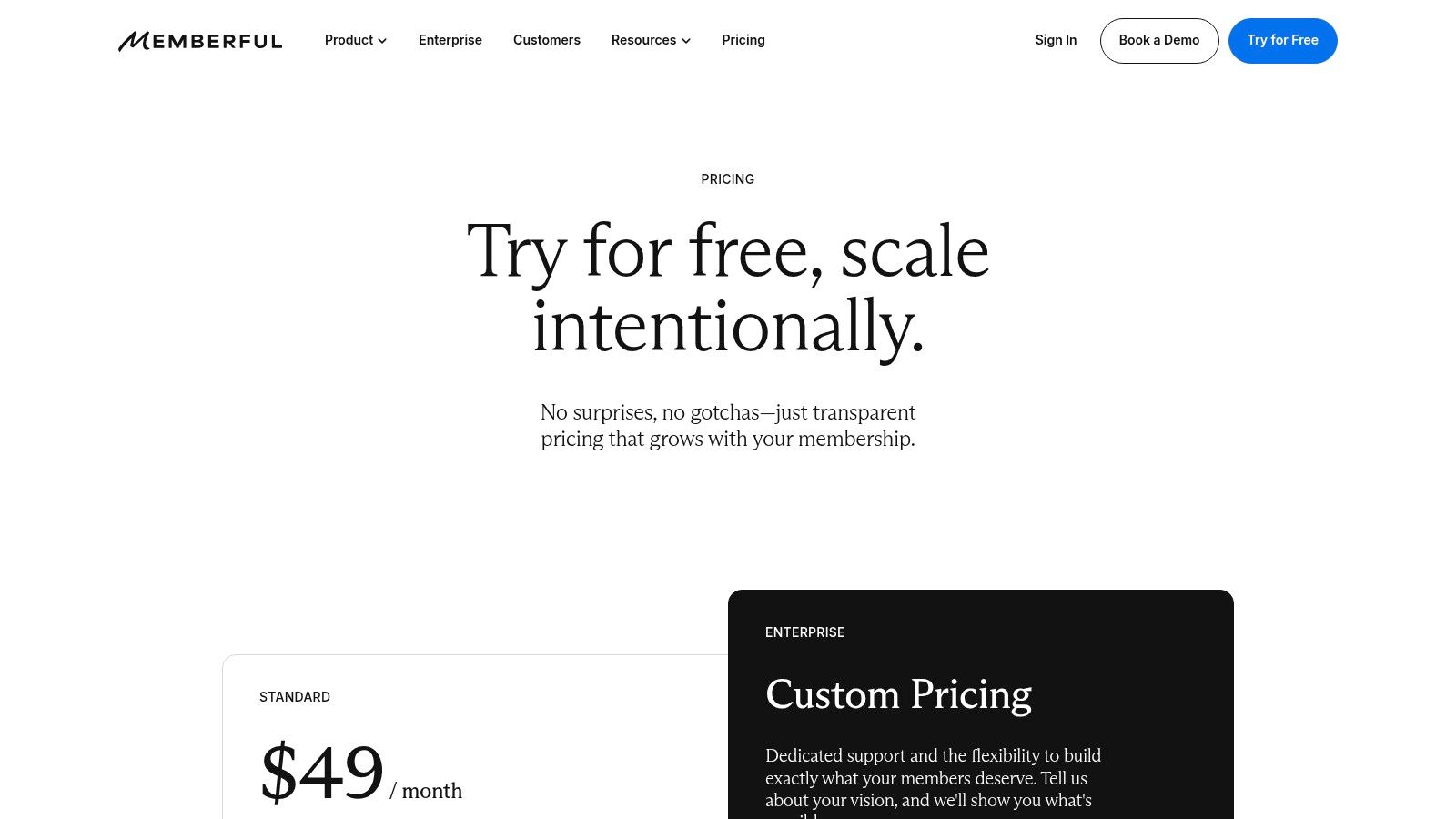
Memberful offers a different approach compared to many websites similar to Patreon; it's not a standalone discovery platform but rather a powerful membership engine designed to integrate directly into your own website. This makes it an ideal choice for established creators, podcasters, and businesses who want to maintain full brand control and own their audience relationship. Instead of sending supporters to a third-party page, you embed Memberful's secure checkout and content-gating features right on your WordPress or static site.
This model allows you to build a seamless user experience where your brand is always front and center. A podcaster, for example, could offer exclusive bonus episodes directly on their own domain, managed by Memberful's backend but appearing as a native part of their site. The platform handles the complex parts like recurring payments, plan management, and integrations, while you focus on content and community.
Pricing & Key Features
Memberful's pricing is subscription-based, with different tiers offering more features. All plans include a transaction fee on top of the standard Stripe processing fees. The system is built around giving you robust tools to manage a serious membership business.
| Feature | Starter | Pro |
|---|---|---|
| Platform Fee | $0/month + 10% transaction fee | $25/month + 4.9% transaction fee |
| Memberships | Yes, with multiple plans | Yes, plus custom landing pages |
| Integrations | WordPress, Mailchimp, Discord | All Starter features, plus more advanced integrations |
| Content Gating | Yes | Yes |
| Coupons & Gifts | No | Yes, create coupons and gift subscriptions |
| Custom Branding | Limited | Yes, remove Memberful branding |
| Group Plans | No | Yes, sell to teams or organizations |
Pros & Cons
- Pro: Maintain Full Brand Control. Your membership program lives on your domain, creating a professional and unified experience for your audience.
- Pro: Mature Membership Features. The toolset includes group plans, coupons, and in-depth reporting, which are essential for scaling a membership program.
- Con: Requires Your Own Website. Unlike all-in-one platforms, you need to have an existing website and be comfortable with basic setup and integration steps.
- Con: Higher Transaction Fees on Lower Tiers. The free Starter plan's 10% transaction fee is steep, pushing serious creators toward the paid Pro plan for better economics.
Explore other essential tools for running your online operation by looking into more business software categories.
Website: https://memberful.com/pricing/
6. Podia
Podia positions itself as a powerful all-in-one platform for creators focused on education and community building. If your goal is to consolidate your tech stack and manage your entire creator business from one place, Podia is a standout choice. It bundles memberships, online courses, digital downloads, coaching services, and even webinars, all tied together with built-in email marketing tools.
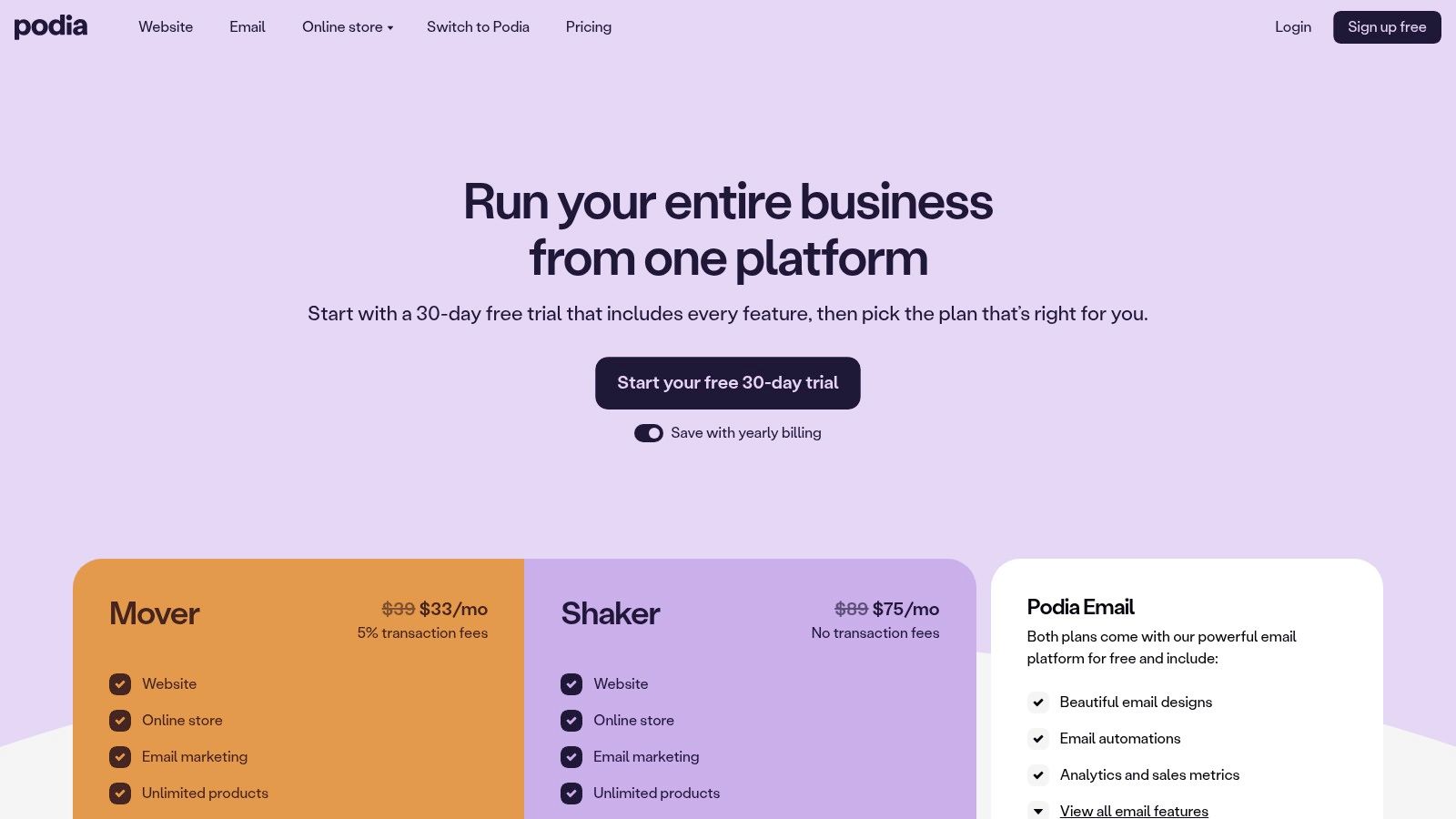
This unified approach makes it an excellent Patreon alternative for creators who want to build a self-contained ecosystem. Instead of connecting Patreon for memberships, a separate tool for courses, and another for email, Podia provides a single login. This simplifies administration and creates a seamless experience for your audience as they move between your free content, paid memberships, and product offerings.
Pricing & Key Features
Podia offers a free plan with a 10% transaction fee that lets you sell one digital download and one coaching product. Paid plans reduce the transaction fee and unlock the full suite of features, including courses, memberships, and advanced email marketing capabilities.
| Feature | Podia Free | Podia Mover/Shaker (Paid) |
|---|---|---|
| Platform Fee | 10% transaction fee | 0-8% transaction fee, depending on the plan |
| Memberships & Community | No | Yes, with tiered plans and community features |
| Online Courses | No | Yes, with unlimited courses and students |
| Digital Downloads | Yes (1 download product) | Yes, with unlimited products |
| Email Marketing | Yes (50 subscribers) | Yes, with higher subscriber limits and automations |
| Webinars & Coaching | Yes (1 coaching product) | Yes, with webinar integrations and unlimited coaching |
| Customization | Basic website builder | Custom domain, removes Podia branding |
Pros & Cons
- Pro: Replaces Multiple Tools. The biggest advantage is its ability to replace your email provider, course platform, and membership site with a single subscription, simplifying your workflow.
- Pro: Strong Support & Migration. Podia is known for its excellent customer support and even offers free migration services to help you move from another platform.
- Con: Less Flexible Design. Compared to self-hosted solutions like WordPress, Podia's website builder and theming options are more limited, prioritizing ease of use over deep customization.
- Con: Scaling Email Costs. While email is built-in, the subscriber limits on lower-tier plans mean costs can increase as your audience grows, similar to dedicated email marketing services.
Website: https://www.podia.com/pricing
7. Ghost (Ghost(Pro))
For creators who prioritize ownership and a direct relationship with their audience, Ghost offers a powerful, open-source alternative. Unlike typical websites similar to Patreon, Ghost isn't a platform you join; it's software you use to build your own independent publication. With its managed hosting service, Ghost(Pro), you get the benefits of a robust, self-owned site without the headache of server management, making it perfect for writers, journalists, and podcasters focused on long-form content and newsletters.
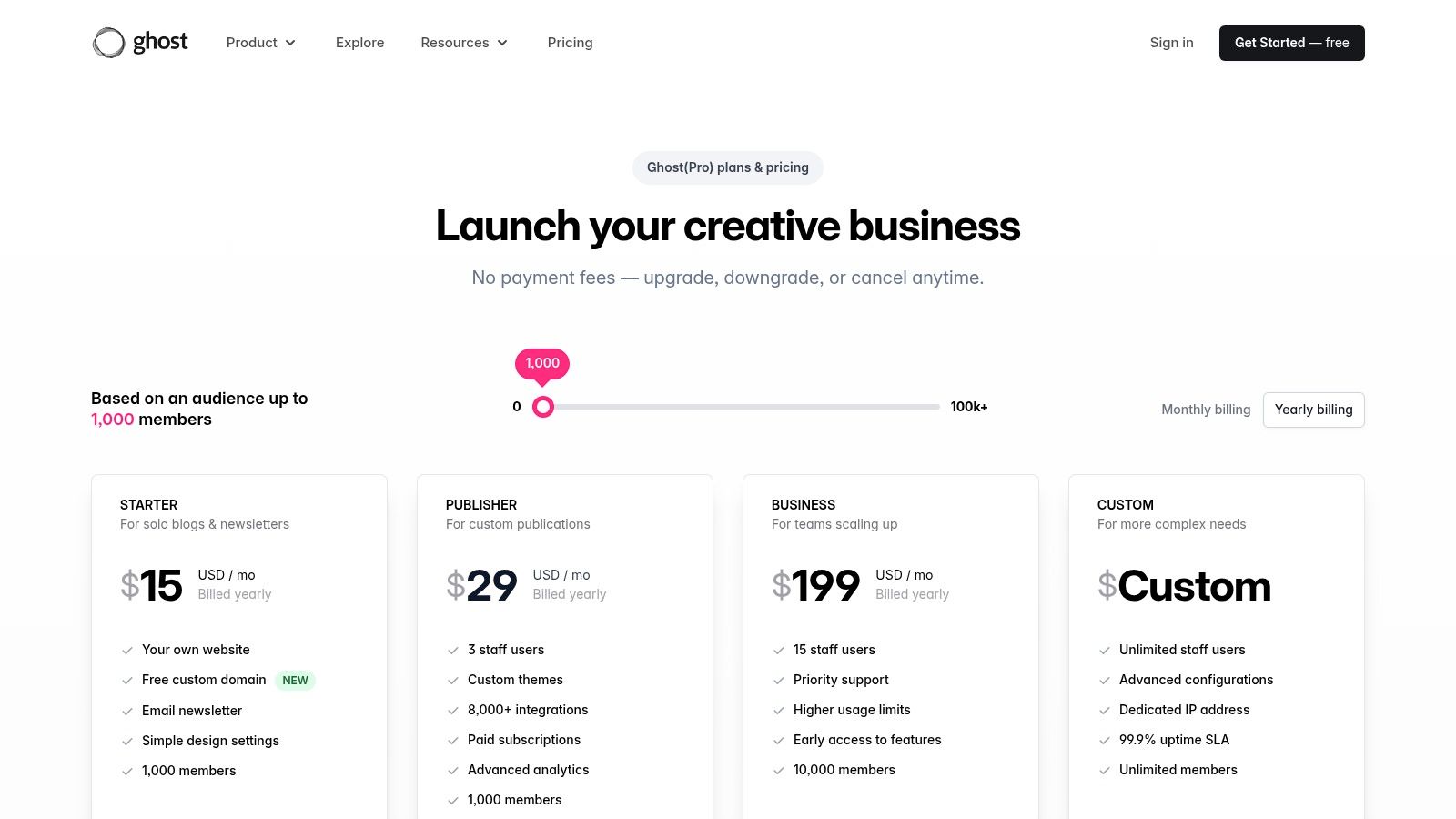
The core idea is to give you a portable, professional stack that you control. You can gate content for free or paid members, send out email newsletters, and customize your site's design with themes. Crucially, your member list and content always belong to you, so you can migrate to a different system at any time without losing your business. This focus on ownership makes it an excellent choice for creators building a sustainable, long-term brand.
Pricing & Key Features
Ghost(Pro) pricing is tiered based on the number of members you have. There are 0% platform fees on your revenue, but standard Stripe transaction fees apply. The self-hosted version of Ghost is free, but you are responsible for your own hosting and maintenance.
| Feature | Ghost(Pro) | Self-Hosted Ghost |
|---|---|---|
| Platform Fee | 0% (Stripe fees apply) | 0% (Stripe fees apply) |
| Memberships | Yes, native free and paid tiers | Yes, native free and paid tiers |
| Email Newsletters | Yes, fully integrated with analytics | Yes, requires Mailgun or similar setup |
| Hosting & Updates | Fully managed by Ghost | Self-managed (requires a server) |
| Custom Themes | Yes, upload any compatible theme | Yes |
| Custom Domain | Yes, included on all plans | Yes |
| Ownership | Full ownership of content and member data | Full ownership of content and member data |
Pros & Cons
- Pro: Complete Ownership and Portability. You own your brand, your website, and your member database. This is a significant advantage for long-term brand building and security.
- Pro: Superior Writing Experience. The editor is clean, powerful, and designed specifically for serious writers and publishers, creating a distraction-free environment.
- Con: More Technical Setup. Even with the managed Ghost(Pro) service, it requires more initial setup and configuration than a simple platform like Ko-fi.
- Con: Audience Size-Based Pricing. The subscription cost for Ghost(Pro) scales with your member count, which can become expensive for creators with large but low-paying audiences.
Website: https://ghost.org/pricing/?utm_source=openai
8. Open Collective
Open Collective offers a distinct model among websites similar to Patreon by focusing on financial transparency for communities and open-source projects. Instead of a creator-centric fan club, it operates as a transparent funding platform where groups, or "collectives," can raise and spend money openly. This makes it an ideal solution for software projects, local meetups, and non-profit initiatives that need to manage a shared budget without the complexity of becoming a legal entity.
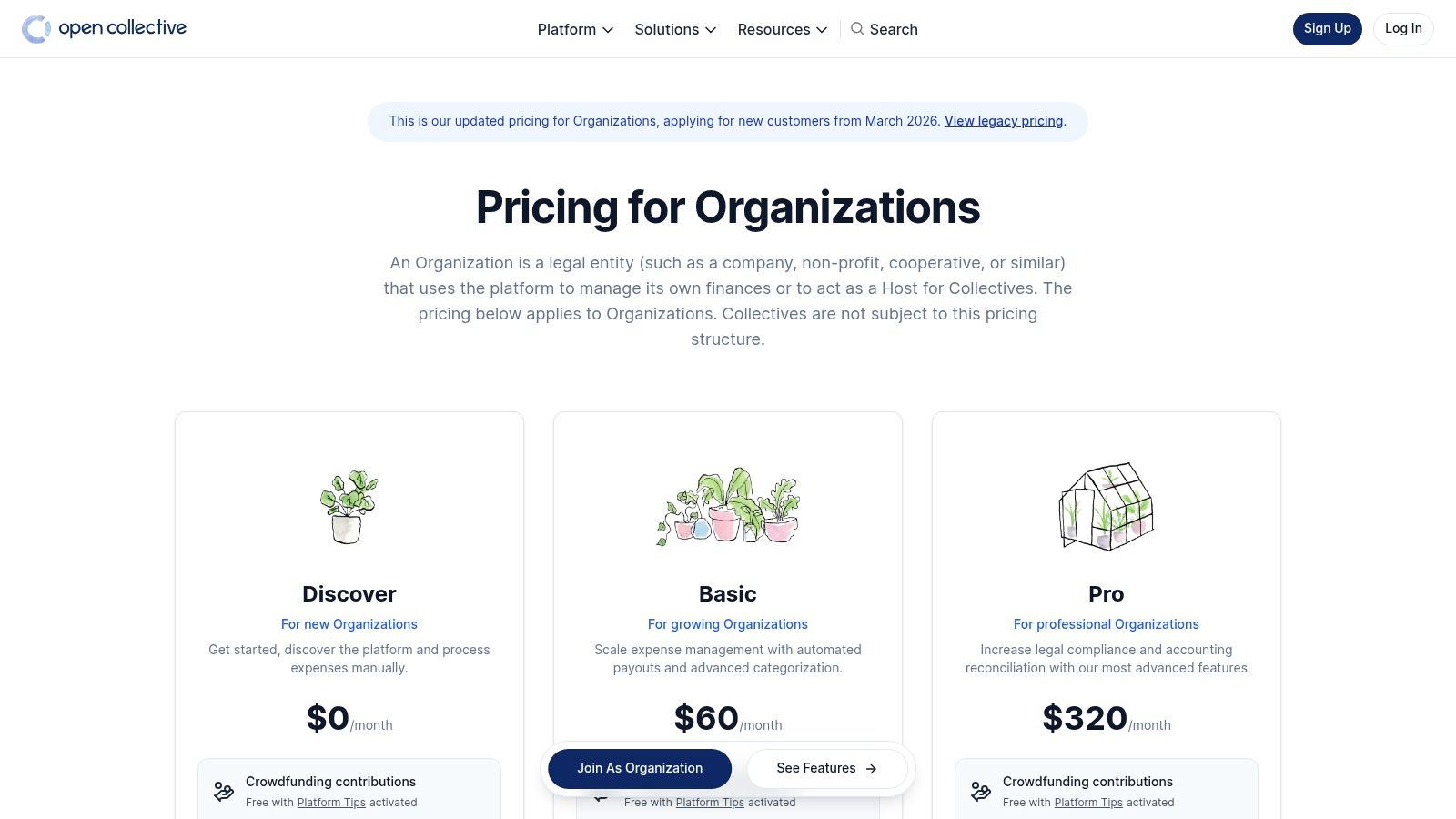
The platform’s core strength is its use of "fiscal hosts," which are established organizations that handle the legal and financial administration for collectives. This allows a group of developers, for instance, to accept donations to cover server costs, pay contributors, and reimburse expenses without needing to register a company or open a business bank account. Every transaction is public, building trust with supporters who can see exactly how their contributions are used.
Pricing & Key Features
Open Collective’s fee structure varies based on how you use it. For collectives managing their own funds, there are no platform fees. For those using a fiscal host, the host sets its own fee (typically 5-10%). For crowdfunding campaigns, a 5% platform fee applies. Supporters are also asked to add an optional "tip" to the platform during checkout.
| Feature | Open Collective |
|---|---|
| Platform Fee | 0% platform fee for collectives. 5% on crowdfunding. Optional "tip" from supporters. |
| Fiscal Hosting | Yes, connects collectives with hosts to manage legal and financial compliance |
| Transparent Budget | Yes, all income and expenses are public by default |
| Recurring Contributions | Yes, with multiple support tiers |
| Expense Management | Yes, submit and approve expenses directly through the platform |
| Integrations | GitHub Sponsors integration for open-source projects |
Pros & Cons
- Pro: Unmatched Transparency. Public budgets and expenses build significant trust within a community, as supporters can verify how their money is spent.
- Pro: Reduces Administrative Overhead. Fiscal hosting removes the legal and accounting burdens of running a group project, allowing creators to focus on their work.
- Con: Complex Fee Structure. The combination of platform tips, potential crowdfunding fees, and fiscal host fees can be confusing to predict and explain to supporters.
- Con: Not Suited for Individual Creators. The model is built for groups and communities, making it a poor fit for a solo podcaster or artist building a personal brand.
Website: https://opencollective.com/pricing?utm_source=openai
9. GitHub Sponsors
GitHub Sponsors is a native funding tool built directly into the GitHub ecosystem, making it one of the most effective websites similar to Patreon for developers and open-source projects. It allows the community to financially support the maintainers and creators whose software they depend on through recurring monthly payments. The platform's primary strength is its contextual integration; a "Sponsor" button can be placed directly on a repository, organization, or developer profile, capturing support at the exact moment a user benefits from the work.
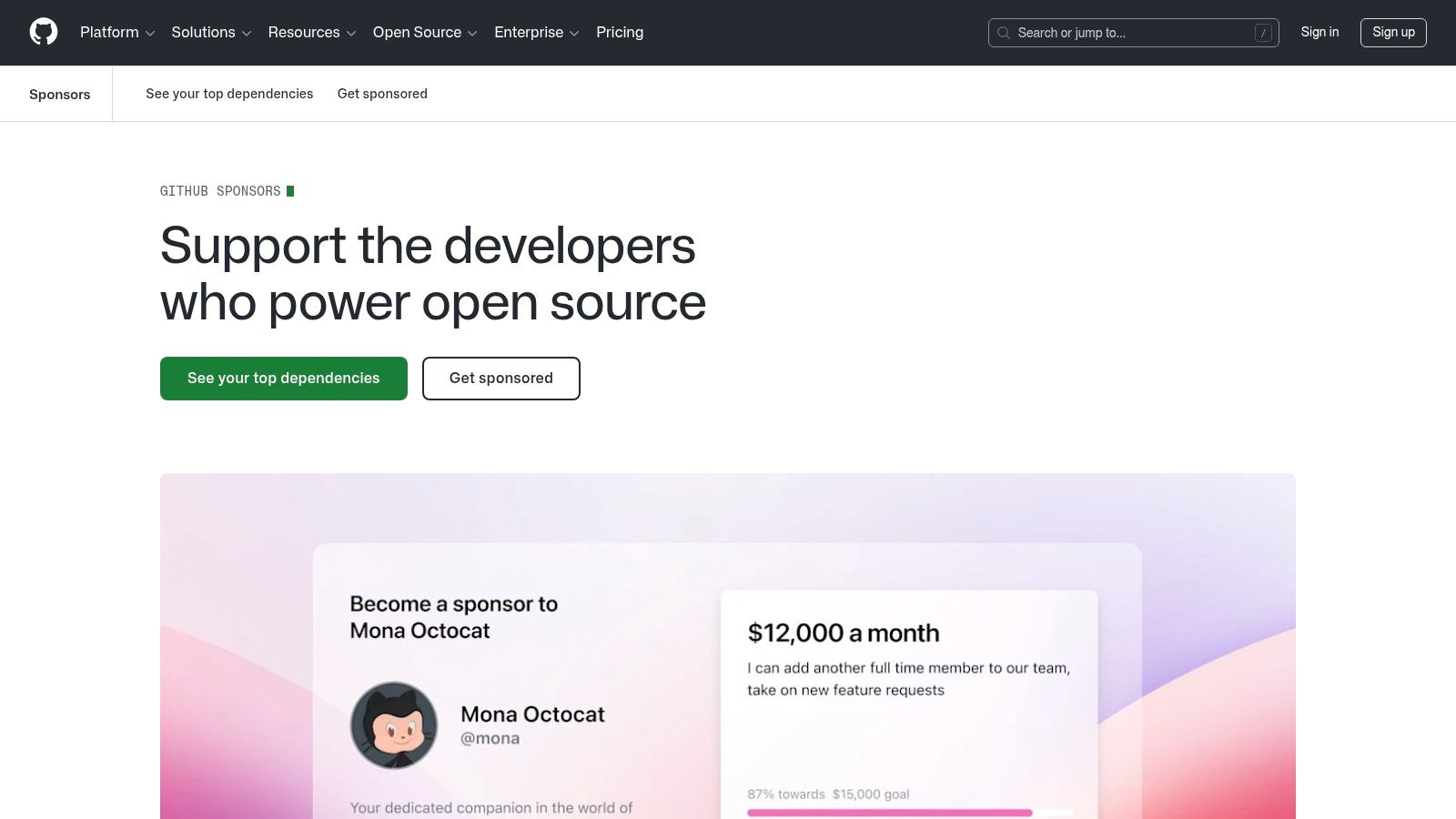
Unlike general-purpose platforms, GitHub Sponsors is hyper-focused on the software development lifecycle. For a developer maintaining a popular open-source library, this means they can set up sponsorship tiers with rewards like priority bug support, early access to new features, or a name mention in the project's documentation. This creates a direct value exchange within the environment where their audience already spends most of its time.
Pricing & Key Features
GitHub’s most compelling offer is its fee structure for individuals, which is designed to pass on the maximum amount of support to creators. All payments are processed via Stripe, and eligibility for the program depends on being in a region supported by Stripe.
| Feature | GitHub Sponsors |
|---|---|
| Platform Fee | 0% for individuals (GitHub takes no cut) |
| Transaction Fee | Standard Stripe processing fees apply |
| Sponsorship Tiers | Yes, with customizable rewards and amounts |
| Audience Integration | "Sponsor" button appears on repositories and user profiles |
| Payouts | Monthly via Stripe |
| Organization Sponsorship | Yes, though a platform fee up to 10% can apply in some cases |
| Community Features | Limited to GitHub’s existing tools (e.g., discussions, issues) |
Pros & Cons
- Pro: Zero Platform Fees for Individuals. GitHub's 100% payout model for individual developers is a significant advantage, ensuring all support money goes directly to the creator.
- Pro: Deep Integration with the Developer Workflow. The placement of sponsorship CTAs within repositories and profiles is unmatched for capturing developer support.
- Con: Niche Audience Focus. The platform is almost exclusively for software developers and open-source projects, making it unsuitable for creators outside the tech and coding space.
- Con: Geographic Limitations. Your ability to receive funds is tied to Stripe's supported countries, which can be a barrier for developers in certain regions.
Website: https://github.com/sponsors
10. Lemon Squeezy
Lemon Squeezy is a powerful platform for creators focused on selling digital products and software, positioning itself as a merchant-of-record (MoR). This makes it one of the more business-oriented websites similar to Patreon, ideal for developers, designers, and entrepreneurs who need a robust system that handles global sales tax compliance automatically. Instead of focusing on community posts, it excels at managing subscriptions, license keys, and complex billing scenarios.
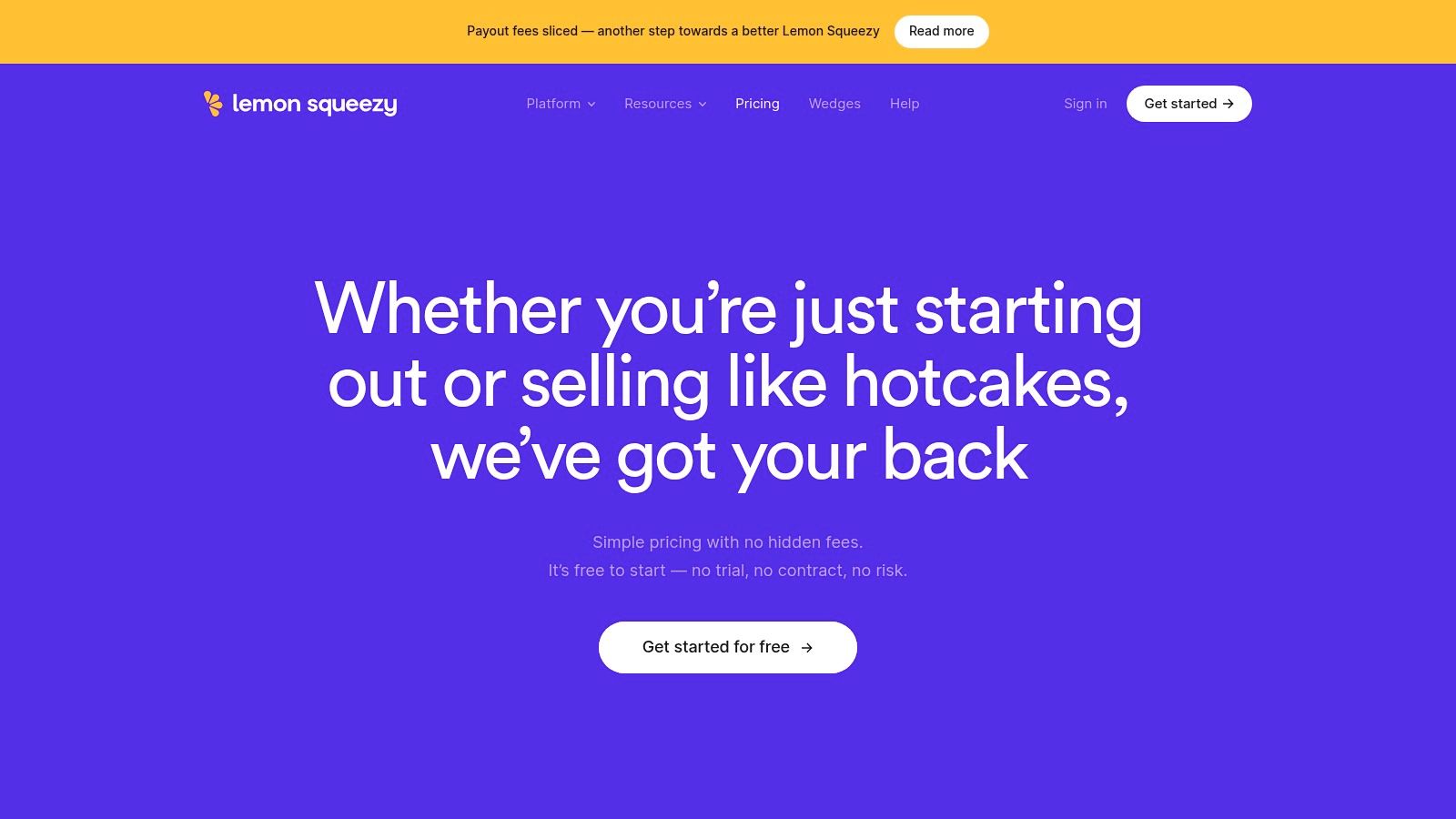
The platform is particularly popular among indie SaaS founders and creators selling digital goods like ebooks or courses. Its core strength lies in its MoR model, where Lemon Squeezy acts as the legal seller, taking on the burden of calculating and remitting VAT and sales tax worldwide. This saves creators countless hours of administrative work and reduces legal risks, allowing them to focus on their product.
Pricing & Key Features
Lemon Squeezy’s pricing is transaction-based, with a standard fee on sales. There are additional small fees for specific services like subscriptions or using PayPal, so it's important to review the details. The value comes from the built-in tax compliance and developer tools.
| Feature | Lemon Squeezy |
|---|---|
| Platform Fee | 5% + 50¢ per transaction (plus payment processor fees) |
| Subscription Fee | An additional 0.5% fee applies to all recurring payments |
| Merchant of Record | Yes, handles global VAT and sales tax compliance |
| Subscriptions | Yes, with trials, tiered plans, and quantity-based billing |
| License Keys | Yes, built-in generation and management for software |
| Developer API | Yes, for deep integration with apps and websites |
| Customization | Hosted store pages, custom domains, embeddable checkouts |
Pros & Cons
- Pro: Automated Global Tax Compliance. The merchant-of-record model is a huge advantage for anyone selling to a global audience, removing a major headache for small businesses.
- Pro: Developer-Friendly Tooling. With a robust API and built-in license key generation, it’s perfectly suited for selling software, SaaS subscriptions, and other developer-focused products.
- Con: Lacks Community-Building Features. It is not designed for community engagement like Patreon. Creators will need to use other platforms like Discord or a private forum to build a supporter community.
- Con: Niche Focus. Its strengths are in digital product and software sales. Creators focused on artistic patronage, vlogging, or podcasting may find its feature set less aligned with their needs.
Website: https://www.lemonsqueezy.com/pricing?utm_source=openai
11. Locals
Locals positions itself as a community-first platform for creators who want an independent, subscription-based hub for their most dedicated followers. As one of the websites similar to Patreon focused on deep engagement, it provides an all-in-one solution that combines content publishing, live streaming, and community chat in a single, branded space. It's particularly well-suited for commentators, podcasters, and public figures who want to build a self-contained ecosystem away from mainstream social media.
The platform provides a turnkey experience, including dedicated mobile apps for iOS and Android, which allows supporters to access content and interact with the community on the go. This integrated approach means creators can host a live stream, post an exclusive video, and chat with members without directing them to different services. Supporters can contribute through recurring memberships, one-time tips, or by purchasing access to specific content, giving creators multiple monetization paths.
Pricing & Key Features
Locals operates on a straightforward revenue-share model. The platform takes a 10% cut of all supporter revenue, which covers the use of all its features, including content hosting, streaming, and mobile apps. Creators receive their earnings monthly, with a minimum payout of $50.
| Feature | Locals (Standard Plan) |
|---|---|
| Platform Fee | 10% of supporter revenue + payment processing fees |
| Memberships | Yes, with recurring monthly and annual tiers |
| Shop | No, focus is on content and community access |
| Direct Donations | Yes, via one-time support ("Coins") |
| Live Streaming | Yes, integrated directly into the community |
| Mobile Apps | Yes, dedicated apps for iOS & Android |
| Content Types | Posts, articles, video, audio, and live streams |
Pros & Cons
- Pro: Integrated Community Experience. Having posts, live streams, and chat in one place with a dedicated mobile app creates a sticky, high-engagement environment for supporters.
- Pro: Creator Independence. Locals emphasizes giving creators full control over their content and community, along with ownership of their member data.
- Con: Relatively High Platform Fee. The 10% platform fee is higher than many competitors, which could be a significant factor for creators with large earnings.
- Con: Niche Brand Association. The platform has become popular with specific political commentators, which might create a brand association that may not align with all types of creators or their audiences.
Website: https://locals.org/pricing?utm_source=openai
12. Discord Server Subscriptions
For creators whose community already thrives on Discord, monetizing directly within the platform is a natural evolution. Discord Server Subscriptions allows you to gate access to specific channels and offer exclusive roles and perks for a monthly fee. This approach makes it one of the most integrated websites similar to Patreon for community-centric creators, as it keeps both the content and the paywall inside the same app your audience uses daily.
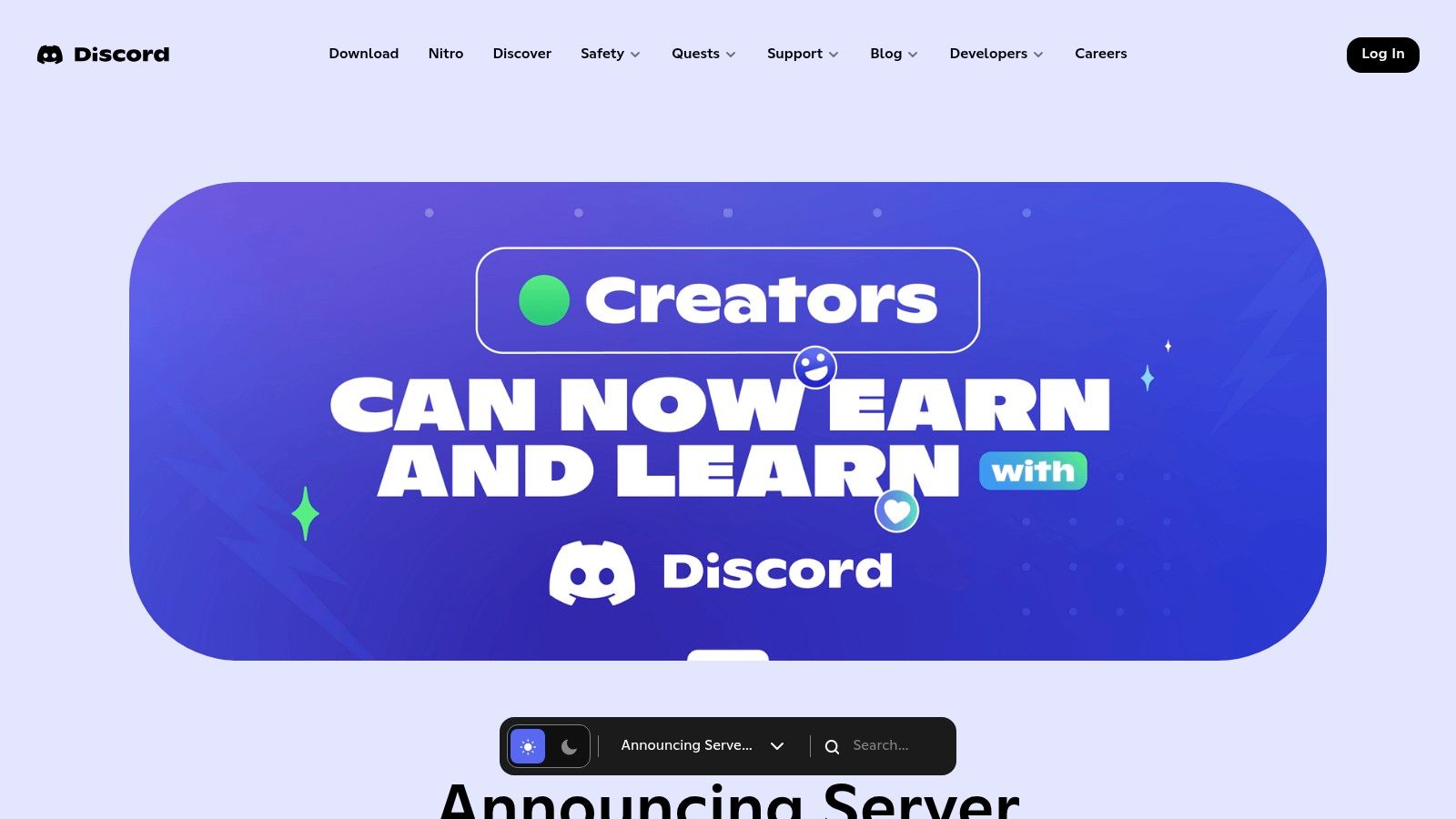
The system is built entirely around Discord's existing roles and permissions, giving you fine-grained control over your premium offerings. A podcaster, for example, could create tiers granting access to a "behind-the-scenes" channel, a monthly Q&A voice chat, and early episode drops. Since members are already active on the server, the process of subscribing is seamless, eliminating the need to send them to an external site.
Pricing & Key Features
Discord takes a platform fee on top of standard payment processing fees. The key benefit is that monetization happens right where your community lives, with tools designed specifically for managing a Discord server.
| Feature | Discord Server Subscriptions |
|---|---|
| Platform Fee | 10% platform fee, plus payment processing fees (~6-15%+) |
| Memberships | Yes, with tiered subscriptions mapped to server roles |
| Gated Content | Yes, through private channels and role-based permissions |
| Direct Donations | No, focused on recurring subscriptions |
| Analytics | Yes, includes member analytics and revenue tracking |
| Community Tools | Native integration with all Discord features (voice, text) |
| Payouts | Monthly via Stripe |
Pros & Cons
- Pro: Seamless User Experience. Members can subscribe without ever leaving Discord, which significantly reduces friction and improves conversion for an active community.
- Pro: Granular Access Control. The ability to map subscription tiers directly to server roles and channels provides powerful and flexible control over who sees what.
- Con: High Platform & Processing Fees. The combined 10% platform fee plus payment processing costs (which can be high on mobile) makes it a more expensive option than many competitors.
- Con: Limited Content Formats. It’s not well-suited for creators who rely on long-form blog posts, email newsletters, or hosting large video files, as its strengths are in chat and real-time interaction.
Website: https://discord.com/blog/server-and-creator-subscriptions?utm_source=openai
Top 12 Patreon Alternatives — Features & Pricing
| Platform | Core features ✨ | UX / Quality ★ | Price & value 💰 | Best for 👥 | Standout 🏆 |
|---|---|---|---|---|---|
| Ko‑fi | Tips, memberships, shop, commissions (PayPal/Stripe) ✨ | Fast setup, simple UI ★★★★ | Low fees; cost‑effective for small creators 💰 | Indie makers testing recurring support 👥 | Fast launch + commission tool 🏆 |
| Buy Me a Coffee | Tipping, memberships, "Extras", Stripe payouts ✨ | Familiar, minimal onboarding ★★★★ | No monthly fee; transaction costs only 💰 | Casual creators & hobbyists 👥 | Zero monthly cost + easy Extras 🏆 |
| Gumroad | Digital storefront, subs, MoR tax handling, embeds ✨ | Quick launch; simple billing ★★★★ | Flat 10% fee; MoR reduces tax ops 💰 | Sellers of downloads/courses + subs 👥 | MoR simplifies tax/compliance 🏆 |
| Substack | Newsletter memberships, podcast/video, discovery ✨ | Dead‑simple publishing; strong discovery ★★★★ | 10% + Stripe fees; discovery value included 💰 | Writers & podcasters building audiences 👥 | Recommendation network & discovery 🏆 |
| Memberful | Membership infra for your site, gating, integrations ✨ | Mature tooling; needs site setup ★★★★ | Subscription + transaction fees; Stripe req 💰 | Creators who want branded sites 👥 | Keeps your domain/brand while handling billing 🏆 |
| Podia | Courses, memberships, downloads, email & webinars ✨ | All‑in‑one vendor; easy migration ★★★★ | Tiered plans; email costs scale with audience 💰 | Course creators & coaches 👥 | Built‑in email + course stack 🏆 |
| Ghost (Ghost(Pro)) | Managed Ghost: memberships, newsletters, themes ✨ | Writing‑focused UX; portable stack ★★★★ | Hosting fees scale with plan/audience 💰 | Long‑form publishers who own data 👥 | You own member data + deliverability 🏆 |
| Open Collective | Recurring contributions, public budgets, fiscal hosts ✨ | Transparent budgeting; community centric ★★★★ | ~5% crowdfunding fee + host fees / tip option 💰 | OSS projects & community collectives 👥 | Fiscal hosting + open financials 🏆 |
| GitHub Sponsors | Sponsor tiers, repo CTAs, org/individual flows ✨ | Seamless for devs; native placement ★★★★ | No GitHub fee for individuals; regional limits may apply 💰 | Developers & open‑source maintainers 👥 | Directly reaches contributors on GitHub 🏆 |
| Lemon Squeezy | MoR for SaaS: subs, license keys, tax handling ✨ | Developer‑friendly API; solid billing UI ★★★★ | Platform fees + add‑ons; handles VAT/GST 💰 | Indie devs selling SaaS/licenses 👥 | Strong API + global tax/compliance 🏆 |
| Locals | Paid communities: posts, live, chat, mobile apps ✨ | Community‑first; integrated monetization ★★★★ | 10% platform fee; clear payout model 💰 | Personalities & paid community builders 👥 | Turnkey paid community with apps 🏆 |
| Discord Server Subscriptions | Role‑based tiers, gated channels, perk pages ✨ | Native delivery for Discord users ★★★★ | 10% platform fee + payment/store fees 💰 | Communities already on Discord 👥 | In‑app paywall + role access control 🏆 |
Choosing Your Platform: A Strategic Framework for Growth
The journey to find the right monetization platform is far more than a simple feature comparison. As we've explored the landscape of websites similar to Patreon, it's clear that the "best" choice is not universal. It's a deeply personal and strategic decision tied directly to your creative output, your business model, and the unique community you aim to build. The perfect platform for a software developer is entirely different from the ideal home for a political commentator or a weekly newsletter author.
Moving beyond the list, your task now is to align these options with your specific reality. A simple choice between Ko-fi and Buy Me a Coffee might be sufficient for a hobbyist looking for casual support. In contrast, a creator planning a multi-tiered content empire might find the all-in-one suite of Podia or the deep integration of Memberful a better fit for their long-term vision. The path forward requires honest self-assessment.
A Three-Step Framework for Your Decision
Making a confident choice involves moving from a wide-angle view of the market to a focused analysis of your needs. Don't get lost in an endless loop of feature-checking. Instead, use this simple, three-part framework to guide your decision and select a platform that will support, not hinder, your growth.
- Map Your Primary Business Model: First, define your core offering. Are you selling direct access to yourself and your community? Platforms like Locals or Discord Server Subscriptions are built for this. Is your main product a premium newsletter? Substack and Ghost are your leading contenders. For developers and open-source maintainers, GitHub Sponsors offers a native, frictionless experience. If you sell a mix of digital products, memberships, and one-off commissions, then flexible storefronts like Gumroad or Lemon Squeezy provide that essential versatility.
- Evaluate Your Tolerance for Operational Complexity: Second, be realistic about the time and technical skill you can commit. Do you want an out-of-the-box solution that just works? Platforms like Ko-fi and Buy Me a Coffee prioritize simplicity above all else, letting you set up a page in minutes. If you want more control over branding and the user journey but still want a managed service, options like Podia or Ghost(Pro) offer a great middle ground. For those who demand total control and are comfortable with technical setup, self-hosting with Memberful or Ghost provides unparalleled ownership and customization.
- Consider Your Long-Term Strategic Goals: Finally, think about where you want to be in two, five, or ten years. Is building a direct, portable email list your top priority? A platform like Substack or Ghost that centers on newsletters is a strong bet. Do you value the potential for discovery within a network? Platforms with built-in communities or marketplaces might offer a slight advantage. Conversely, if complete audience ownership and data portability are non-negotiable, you must choose a tool that allows you to easily export your member list and content, ensuring you are never locked into a single ecosystem.
By weighing these three critical factors - your business model, your operational capacity, and your strategic vision - you can move past the overwhelming list of websites similar to Patreon and make a confident, informed decision. This choice is the foundation upon which your independent creative business will be built. Choose a foundation that is strong, flexible, and perfectly suited to the unique structure you plan to build upon it. The right platform feels less like a tool you use and more like a true partner in your growth.
Once you've launched your new membership or product, the next challenge is getting it in front of the right people. For SaaS builders, indie makers, and developers, finding those crucial first users is everything. That’s where Saaspa.ge can help, providing a dedicated platform to showcase your new product and connect with an audience of early adopters actively looking for new tools. Submit your project to Saaspa.ge to get the initial visibility and traction your launch deserves.